AI Picture Prompts
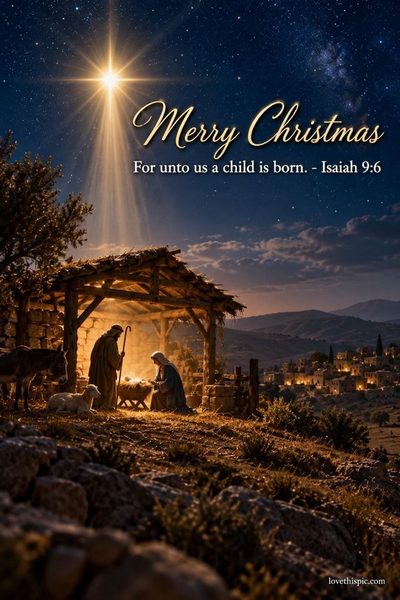
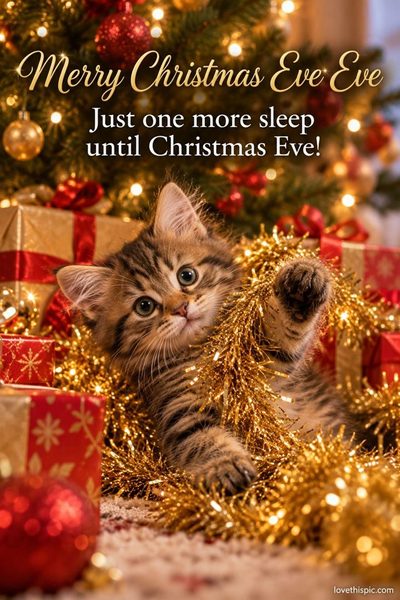
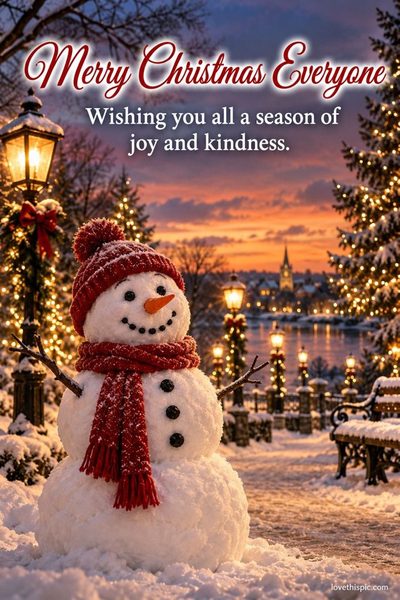
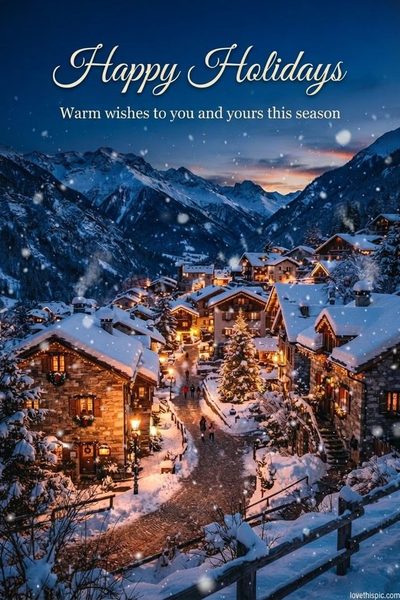
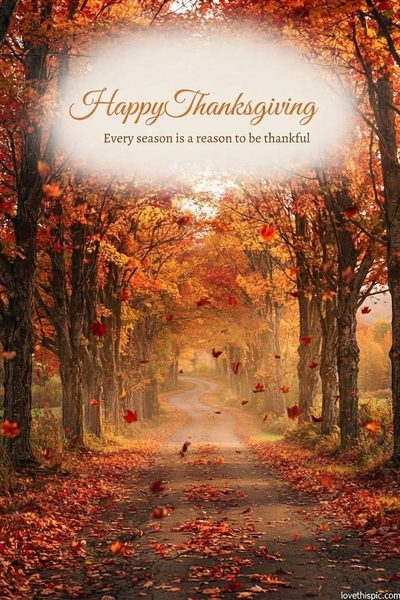
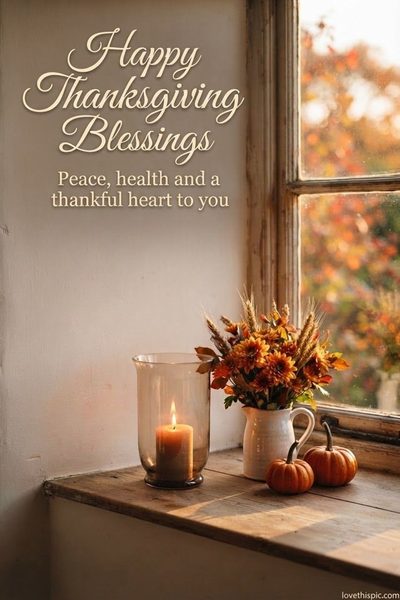
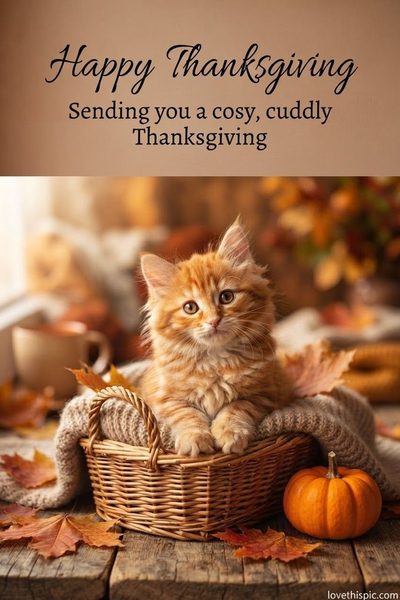
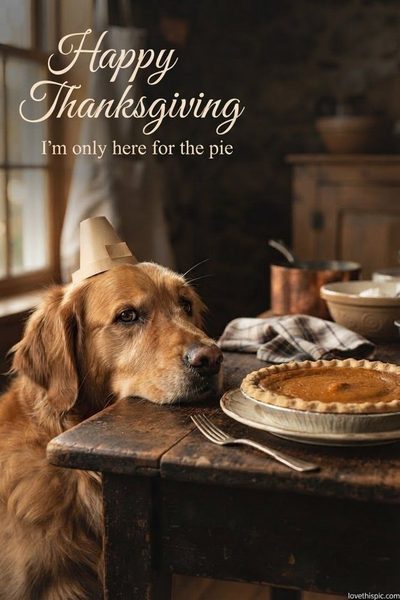
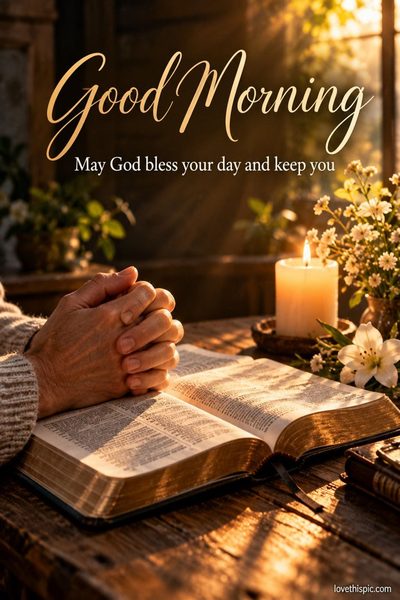
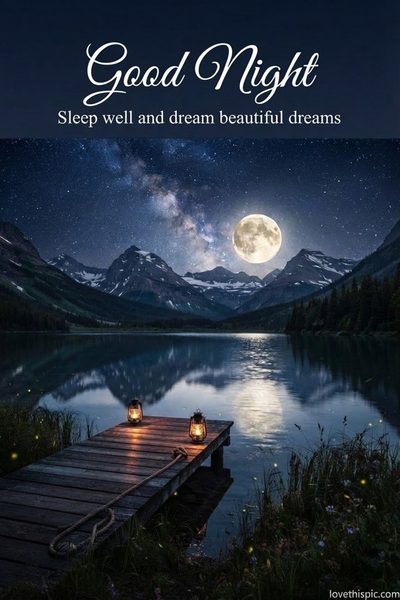
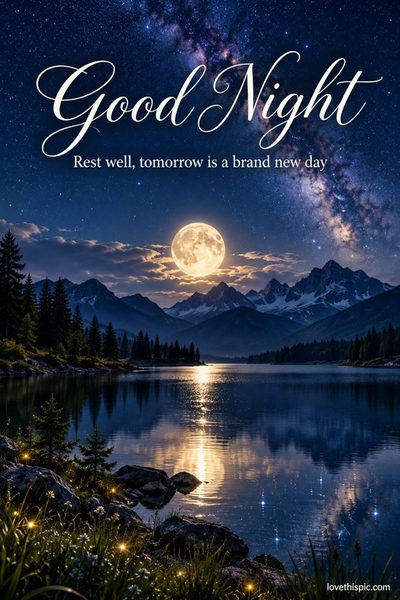
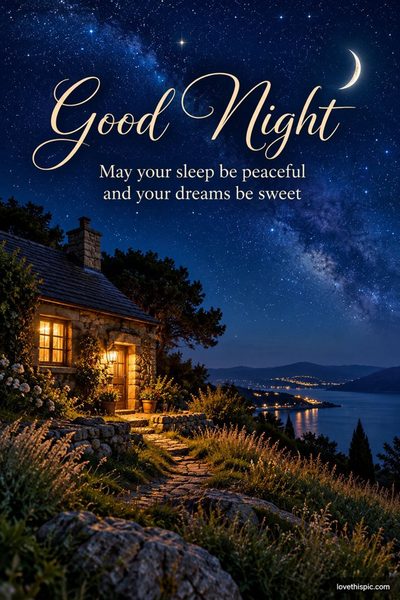
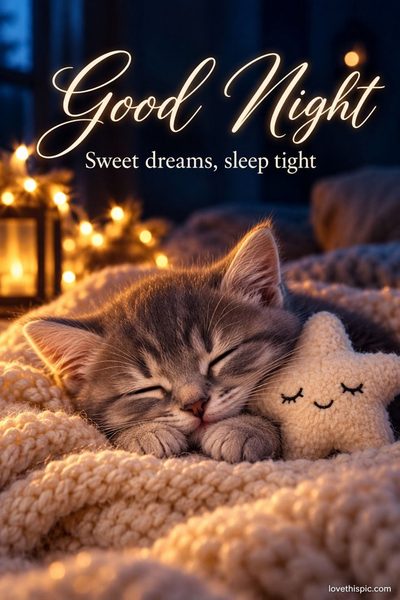
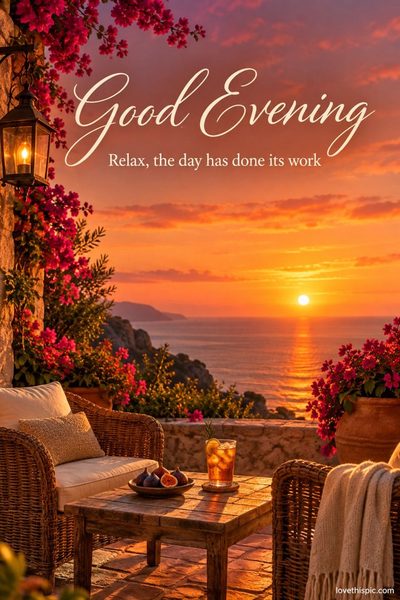
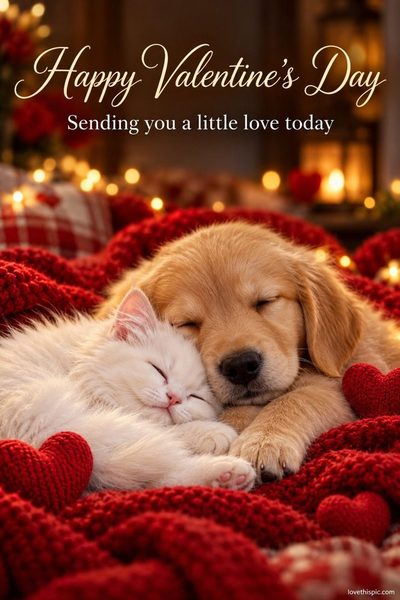
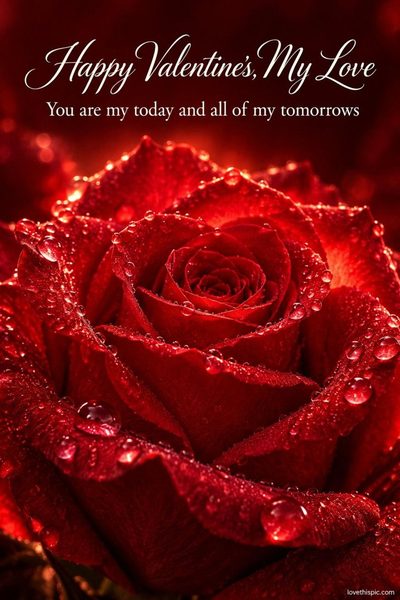
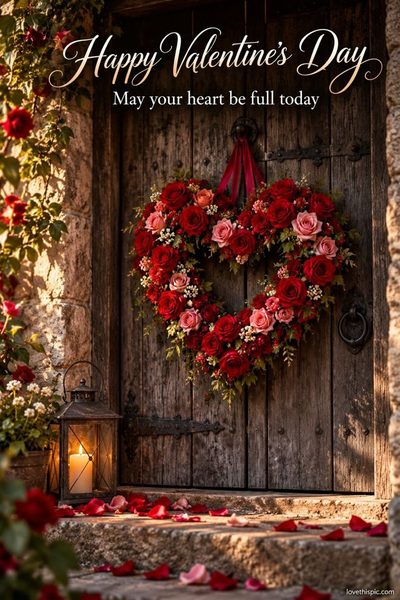
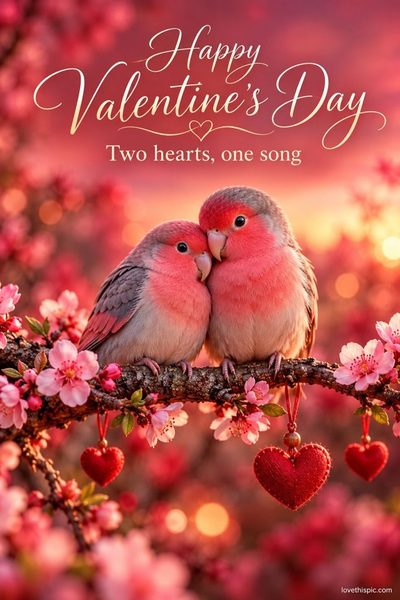
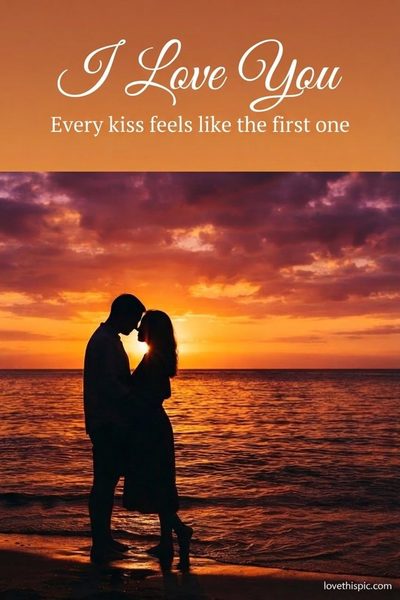
Free, tested prompts for ChatGPT and Gemini. Every picture below was made with the exact prompt on its page: copy it, add your own words or names, and make a greeting picture in about a minute.
-

-

-

-

-
-

-
-

-
-

-

-
-

-
-
-
-
-
-
-

-
-
-
-
-
-
-

-
-
-
-
-
-
-
-

-

-
-

-
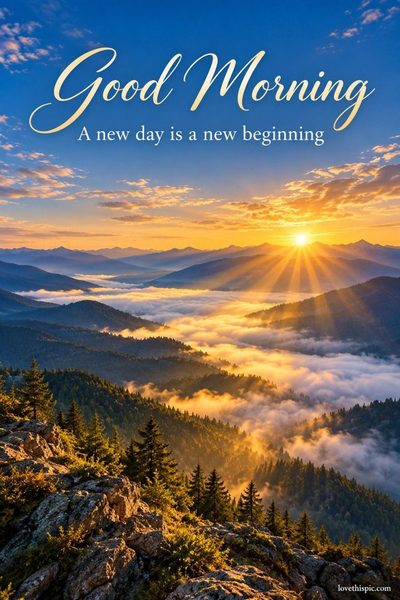
-
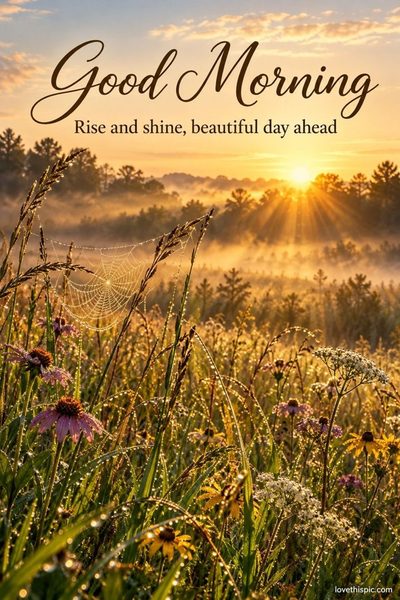
-
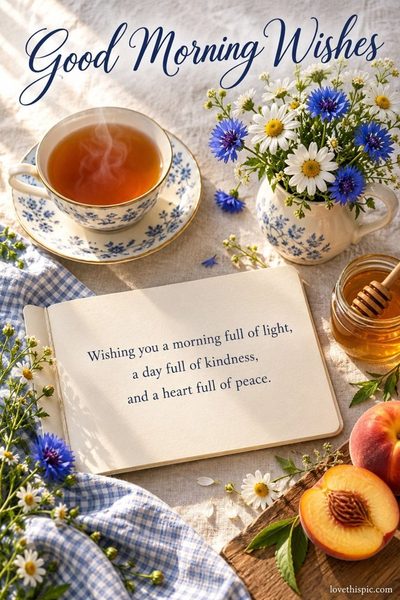
-
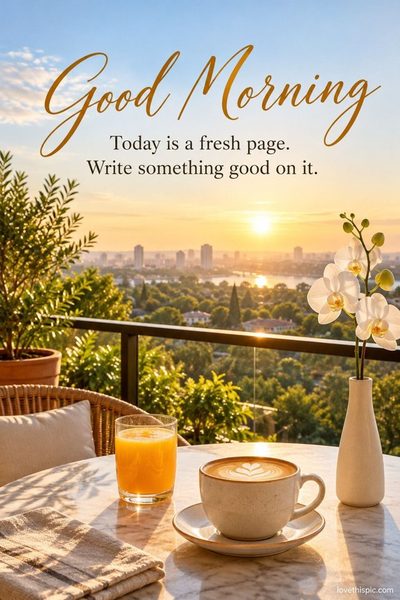
-

-
-
-
-

-
-
-

-
-
-
-

-
-

-
-

-

-

-
-

-

-

-

-
-
-

-

-

-

-

-

-

-

-
-

-

-

-


- Pick a picture you like and tap Copy prompt.
- Open ChatGPT or Gemini (both free) and paste it. Wait about a minute for your picture.
- Want different words, a name or a GIF? Send one of the short follow-up messages under each prompt.
Questions
Is it free?
Yes. The prompts are free to copy, and ChatGPT and Gemini can both make pictures on their free plans (free plans have a daily limit).
ChatGPT or Gemini?
Every picture here was made in ChatGPT with the exact prompt shown. Gemini understands the same prompts; results look a little different.
The words came out with a spelling mistake. What do I do?
Don't start over. In the same chat, send: Fix the spelling so the words read exactly as I wrote them. Change nothing else. Short words in quotes come out best.
Can I use my own photo?
Yes. In ChatGPT or Gemini, tap + to add your photo first, then paste the prompt and add: Use my uploaded photo as the scene and keep everything in it the same.
Can I share the pictures I make?
Yes, send them to family and friends on Facebook, WhatsApp or by text. Please don't make pictures of real people without their permission.