Christmas Picture Prompts for ChatGPT and Gemini
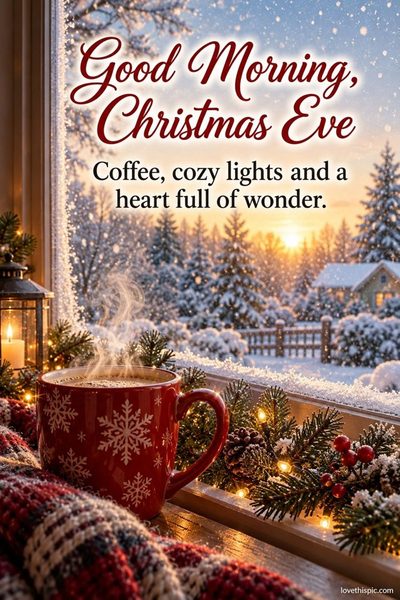
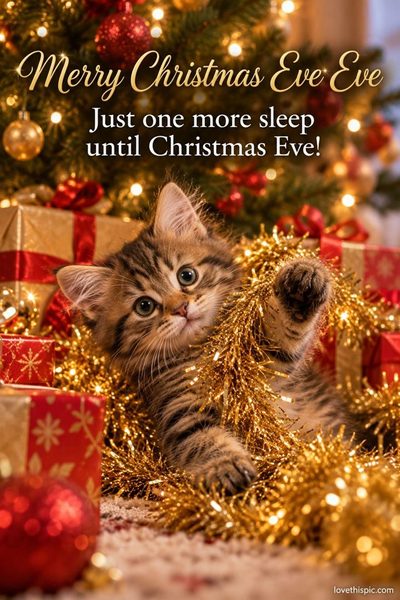
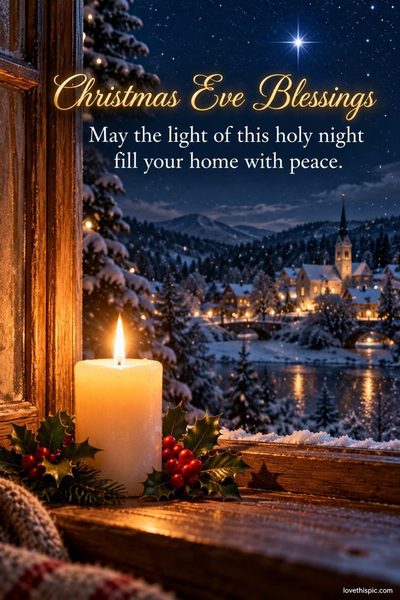
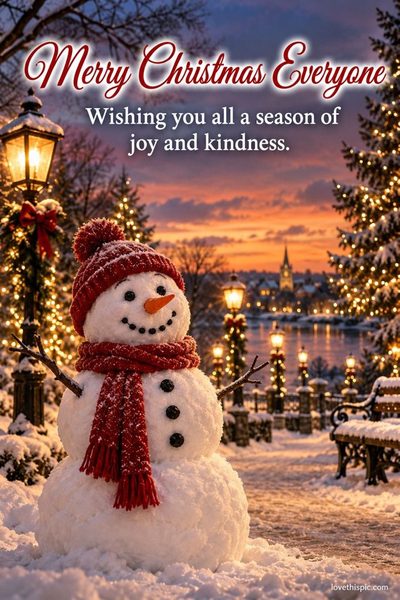
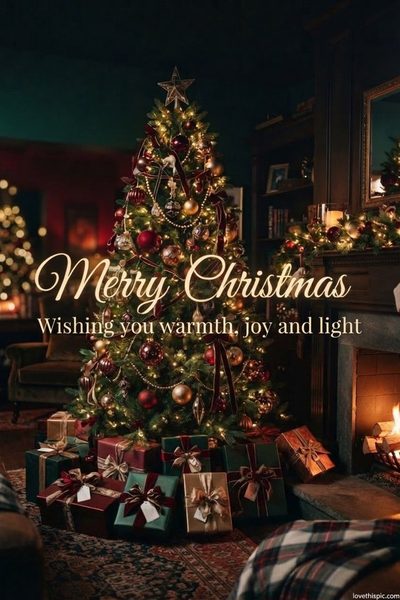
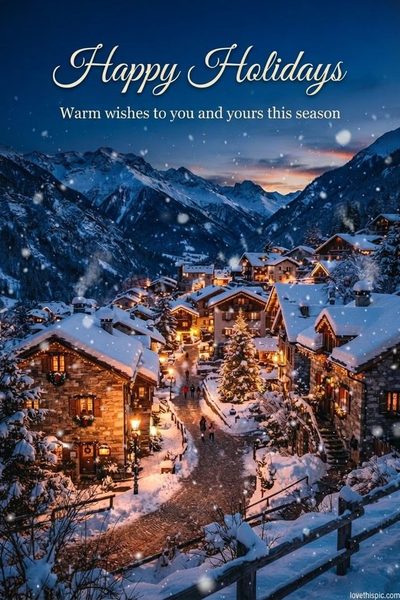
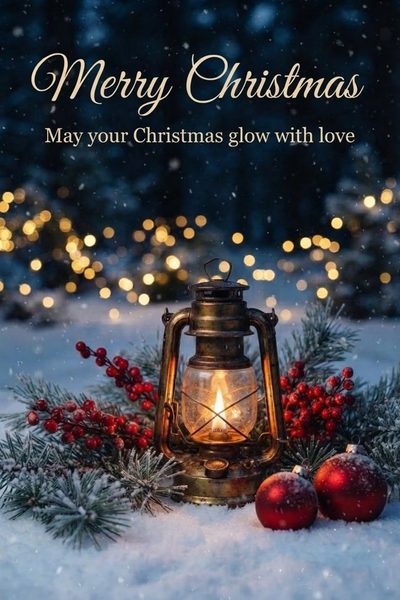
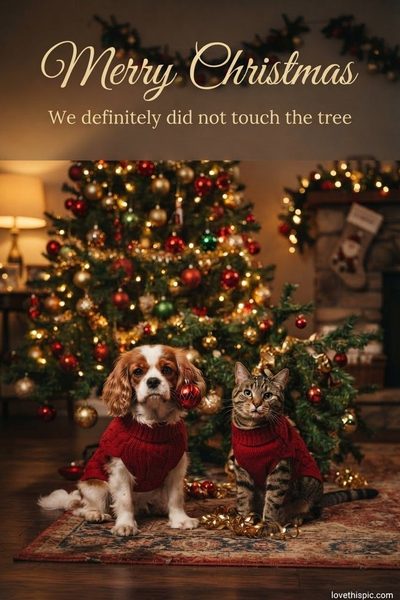
Free, tested prompts for Christmas card pictures: cozy fireplaces, snowy villages, the nativity, cute puppies and kittens, and Merry Christmas wishes. Copy one, paste it into ChatGPT or Gemini, and add your own words. Every picture here was made with the exact prompt on its page.
- Pick a picture you like and tap Copy prompt.
- Open ChatGPT or Gemini (both free) and paste it. Wait about a minute for your picture.
- Want different words, a name or a GIF? Send one of the short follow-up messages under each prompt.
-

-
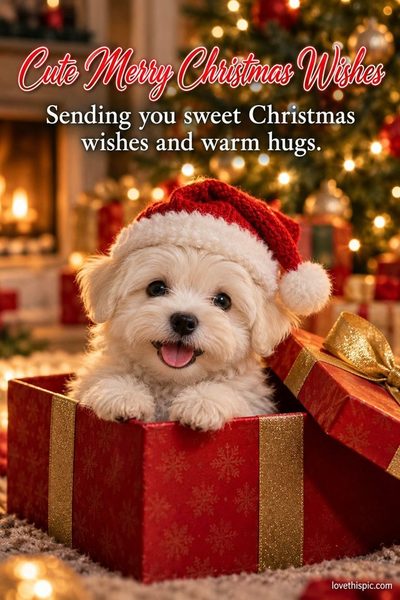
-
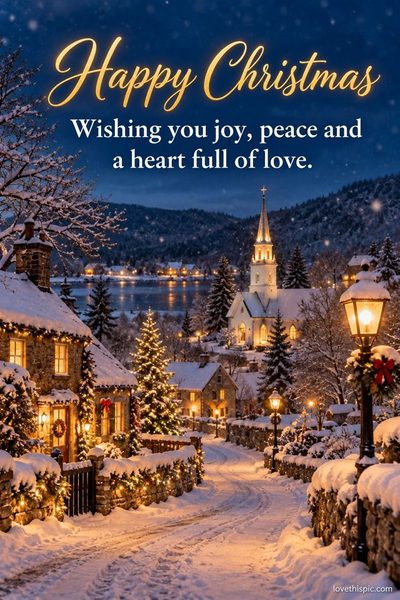
-
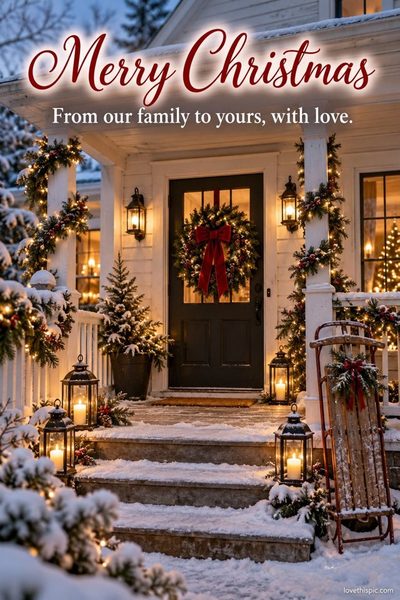
-
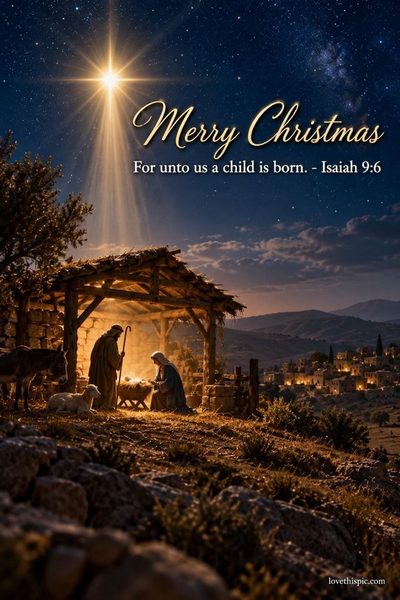
-
-
-
-
-

-
-
-
-


More picture prompts
Questions
Is it free?
Yes. The prompts are free to copy, and ChatGPT and Gemini can both make pictures on their free plans (free plans have a daily limit).
ChatGPT or Gemini?
Every picture here was made in ChatGPT with the exact prompt shown. Gemini understands the same prompts; results look a little different.
The words came out with a spelling mistake. What do I do?
Don't start over. In the same chat, send: Fix the spelling so the words read exactly as I wrote them. Change nothing else. Short words in quotes come out best.
Can I use my own photo?
Yes. In ChatGPT or Gemini, tap + to add your photo first, then paste the prompt and add: Use my uploaded photo as the scene and keep everything in it the same.
Can I share the pictures I make?
Yes, send them to family and friends on Facebook, WhatsApp or by text. Please don't make pictures of real people without their permission.